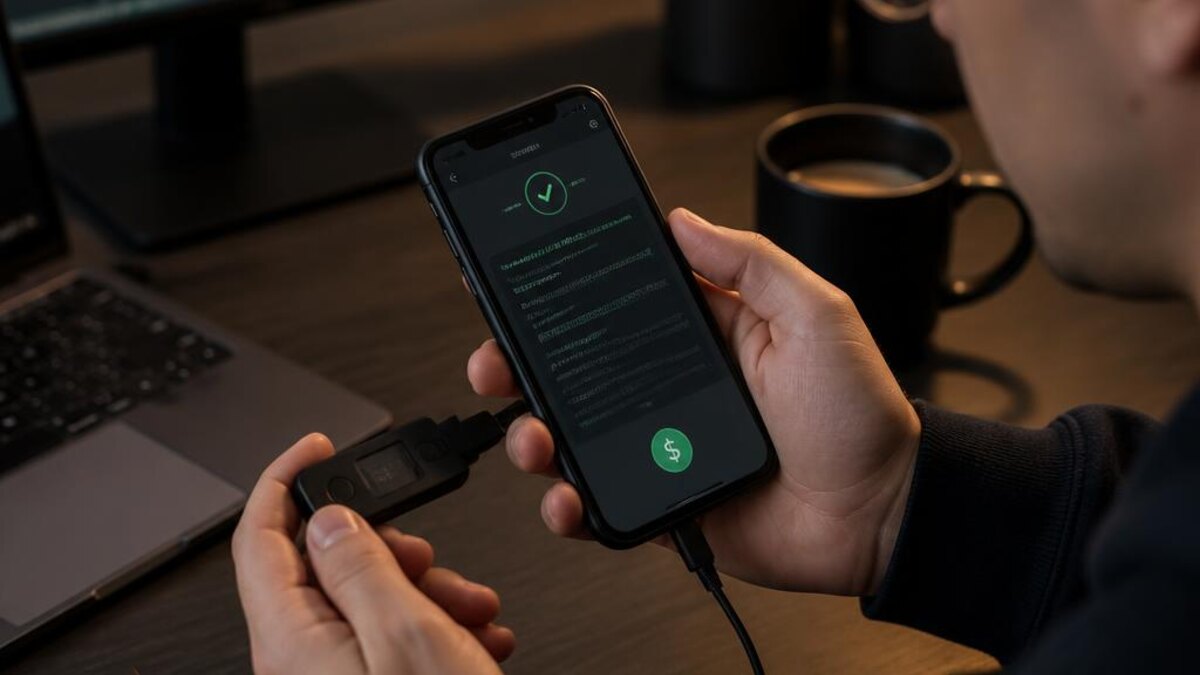
A practical contract-address checklist for confirming native USDC, Stargate assets and token representations before a cross-chain transfer.
Before bridging, verify the token contract on both networks, not just the ticker in a wallet. A native token and a bridged representation can share a familiar name while having different issuers, backing, redemption paths and application support. The destination asset contract is part of the route you are choosing.
Native USDC and bridged USDC are not interchangeable labels
Circle publishes contract addresses for issuer-native USDC by network. A token created by another bridge or application has a separate contract and may depend on a distinct backing or redemption mechanism. Token symbols and display names are not globally unique identifiers.
When an exchange, lending market or wallet requires native USDC, check that the destination contract matches the issuer’s registry and that the receiving service accepts that network. A route that delivers a different representation may require another swap or redemption before the asset is usable.
A contract verification checklist
- Confirm the network. Match the chain name and chain ID; similarly named networks and testnets are not interchangeable.
- Open the issuer or protocol registry directly. Use a saved official link or documentation, not an address copied from an unsolicited message or search advertisement.
- Match the full contract address. Check every character in the correct network’s explorer. A matching symbol, logo or verified source-code badge is not proof of the issuer.
- Check the route’s destination asset. Confirm whether it is native USDC, a StargateOFT representation, or another token contract.
- Check the recipient’s requirements. Verify the network and contract accepted by the receiving wallet, exchange or application.
- Review approvals and quote details. Make sure the spending contract, amount, recipient and expected output match your intent before signing.
What to verify on a Stargate route
Stargate’s deployment registry distinguishes asset contracts and deployment types. A route through a native StargatePool is not the same asset-handling path as one involving a Hydra OFT representation. The broader interface may also show integrations that do not use StargatePool contracts. Verify the exact route and output token in the current quote rather than inferring the contract from the Stargate brand alone.
Compare providers by the asset they deliver
Across’s relayer model, Circle CCTP’s native USDC burn-and-mint flow, and other bridge or routing services can differ in their source and destination contracts. This is why a comparison should record the token contract and route provider alongside the fee. Read the USDC bridge guide, Stargate vs Across research and security checklist before treating two ticker labels as equivalent.
If an address or route cannot be confirmed from official documentation, pause and verify it through the protocol’s official interface. Never share a seed phrase or private key to check an asset.
Check your route on Stargate
See available assets, networks and current quotes on Stargate. Confirm the token, fees and destination before making a transfer.
Frequently asked questions
How do I check if a USDC contract is native?
Compare the full contract address on the correct network with Circle’s official USDC registry. A ticker or token logo alone is not enough.
Can bridged USDC use the same ticker as native USDC?
Yes. Token names and symbols are not unique across chains. Verify the network and full contract address, then check that the receiving service accepts that representation.
Does every route in the Stargate interface use Stargate contracts?
Do not assume so. The interface can expose broader interoperability integrations. Check the selected route and destination contract in the current quote and official deployment records.
Sources for this guide
Primary references are linked for readers to check definitions, deployments and configuration. Documentation describes the protocol; it is not a live quote or an independent performance test.
- Circle USDC contract registryIssuer-maintained USDC addresses by network.
- Circle Cross-Chain Transfer ProtocolNative USDC burn-and-mint, attestation and supported networks.
- Stargate asset and deployment registryCheck the exact chain, asset contract and deployment type.
- Stargate protocol architecturePool and Hydra OFT roles, credit allocation and transfer pathways.